
ANTI-LOCK BRAKE SYSTEM — ABS SENSOR ROTOR (REAR)
P-78parts diagramABS SENSOR ROTOR (REAR)
Removal/Installation
- 1Remove the rear wheel hub assembly from the vehicle.
- 2Remove in the order shown in the figure, referring to Removal Note.
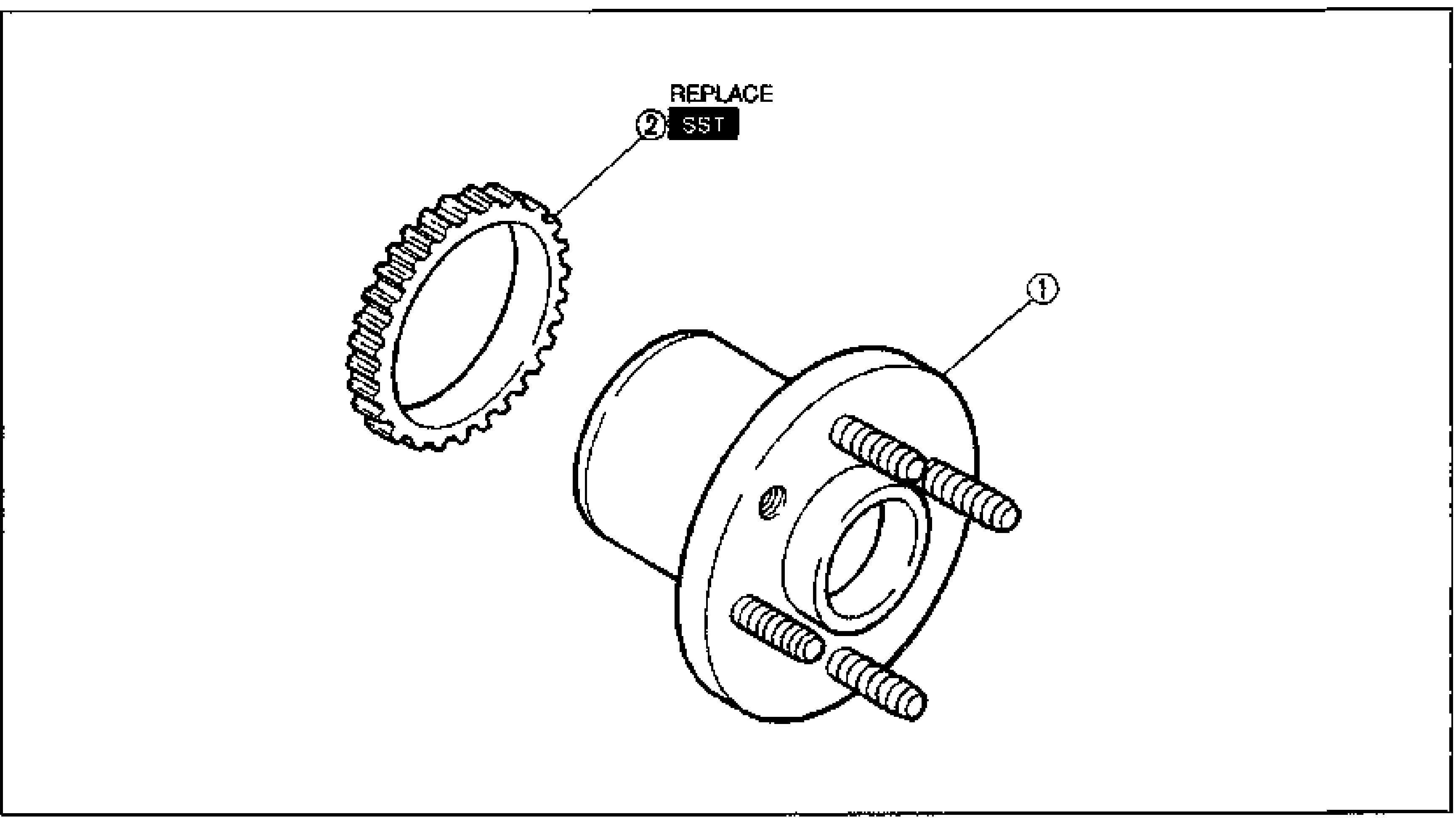
- 3Install in the order shown in the figure, referring to Installation Note.
- 4Install the rear wheel hub assembly to the vehicle.
Parts DiagramFig. fig1
Removal Note
NOTE
ABS sensor rotor
Tap the ABS sensor rotor off the wheel hub with a chisel.
Installation Note
Installation Note — ABS sensor rotor
- 1Install a new rear ABS sensor rotor on to the wheel hub.
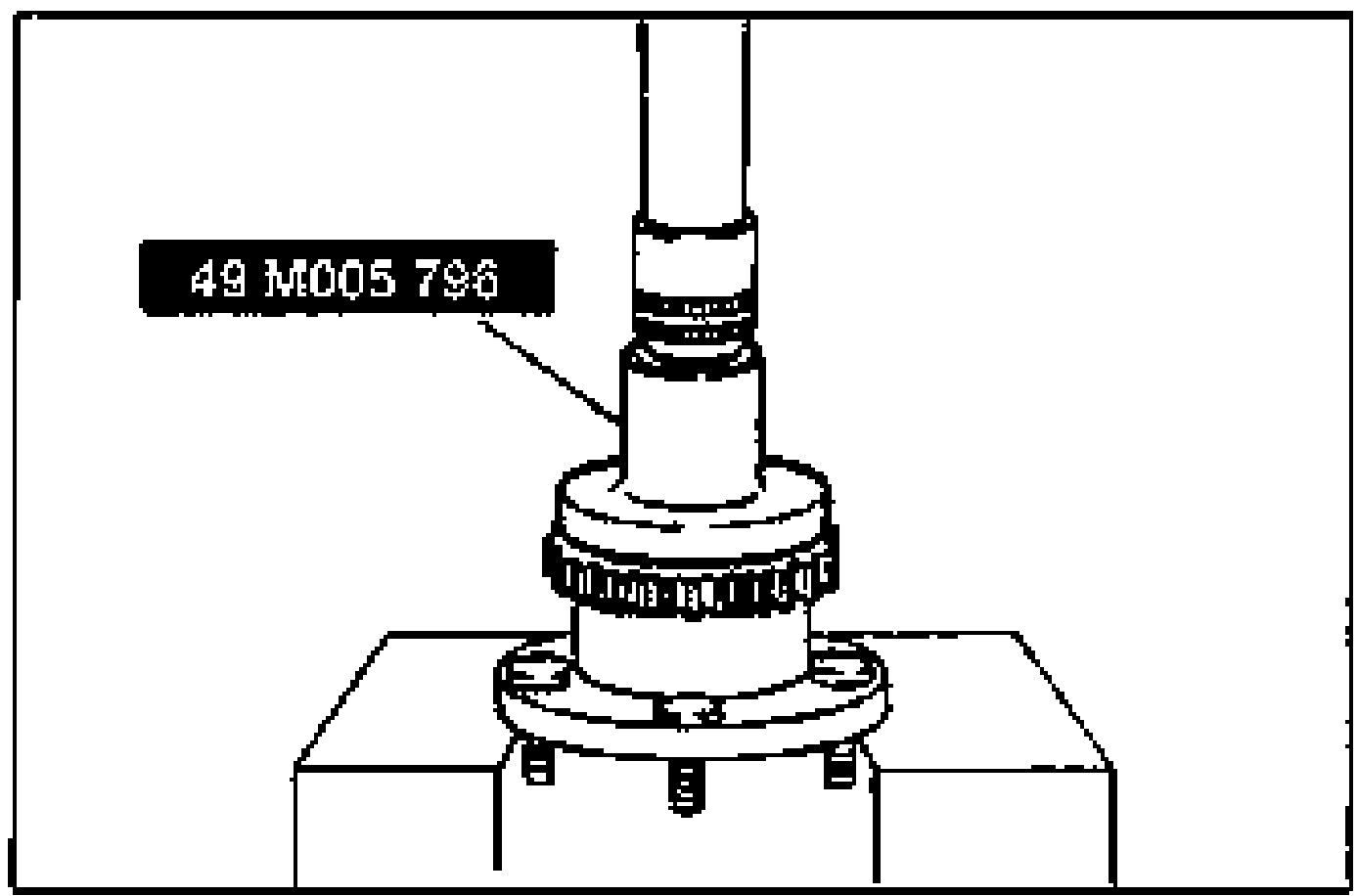
- 2Press the rotor until it is flush with the wheel hub by using the SST.The ABS sensor rotor can be installed in either direction.
NOTE
The ABS sensor rotor can be installed in either direction.