
ANTI-LOCK BRAKE SYSTEM — Inspection of ABS system
P-60prose procedureInspection of ABS system
Check battery
NOTE
If the battery positive voltage is low, the ABS warning light may illuminate.
Check battery
- 1Start the engine.
- 2Check the voltage at the battery and at the ABS control module terminal 1H.
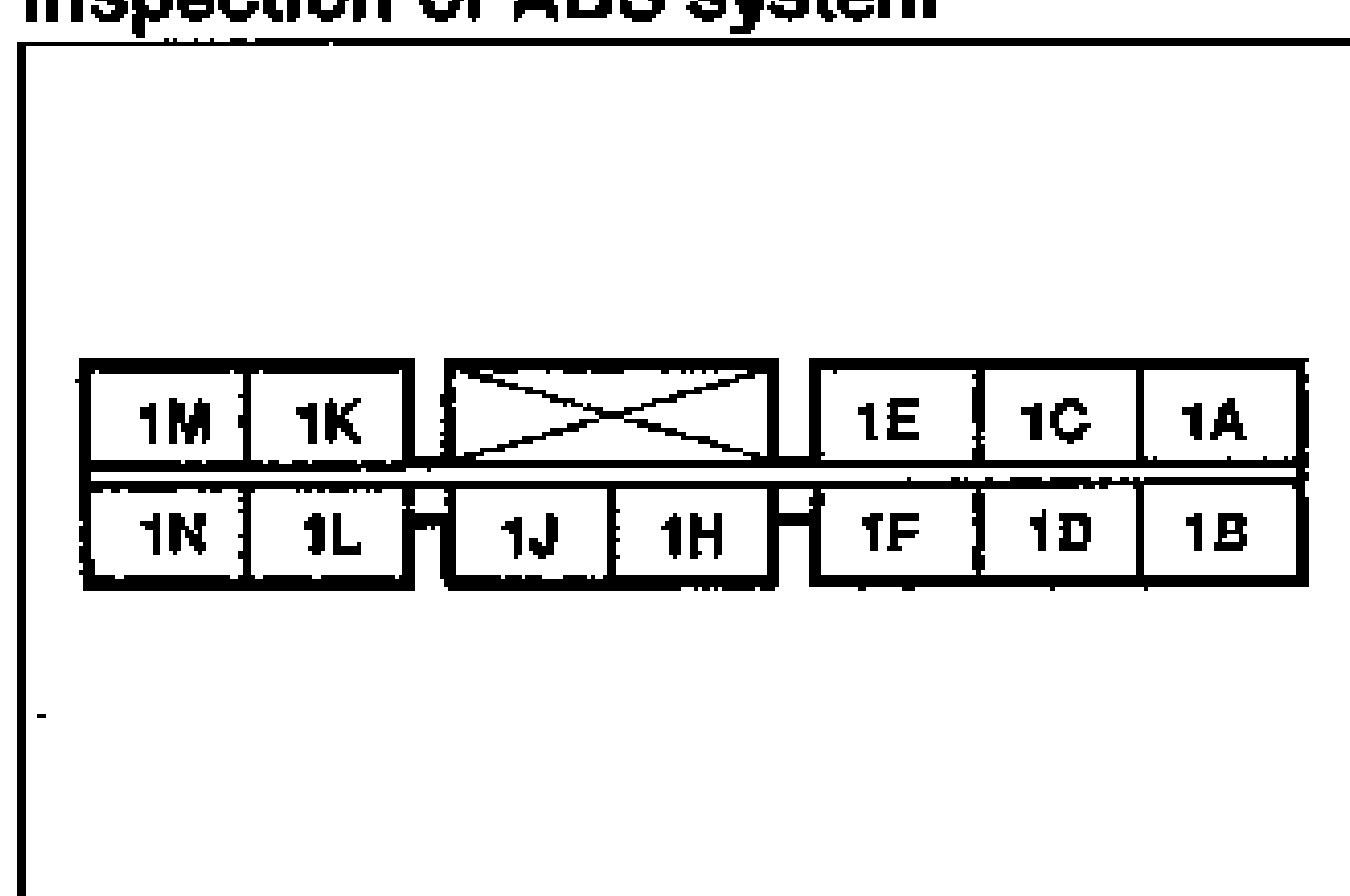
- 3If the battery positive voltage is below specification, charge or replace the battery as necessary.
- 4If the battery positive voltage is within specification and terminal 1H voltage is below specification, check the wiring harness between the battery and the ABS control module terminal 1H.
| Specification | Value |
|---|---|
| Voltagebattery and ABS control module terminal 1H | 10V min. |
Voltagebattery and ABS control module terminal 1H
10V min.
Check ABS warning light harness
- 1Turn the ignition switch OFF, and disconnect the ABS control module connector (18 pins).
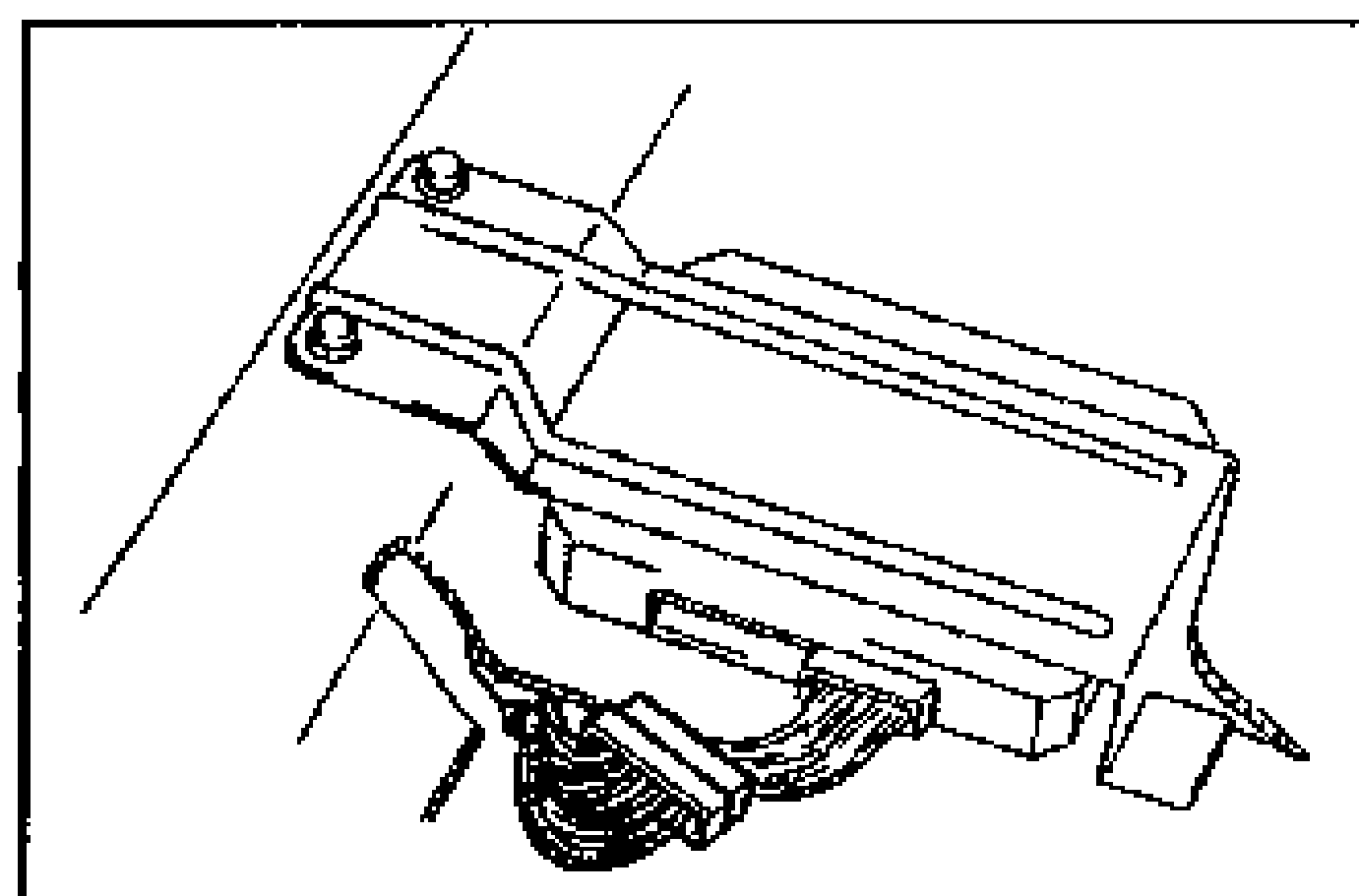
- 2Turn the ignition switch ON. If the warning light is ON, go to next step. If the warning light is OFF, check ABS relay and the harness. (Warning light-ABS relay (h), ABS relay (b)-Ground)
- 3Disconnect the ABS relay connector.
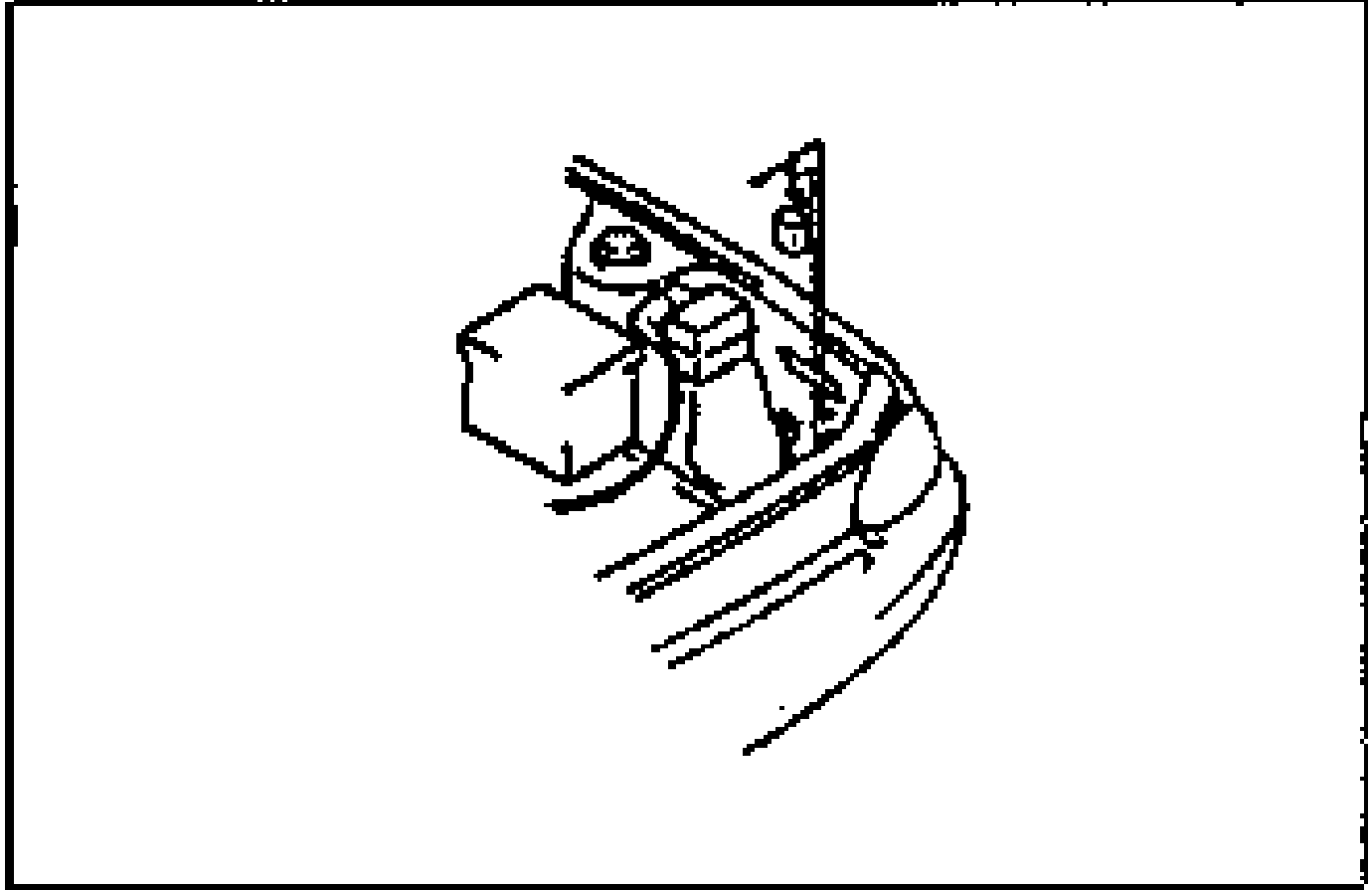
- 4If the warning light harness remains illuminated, check the warning light harness for short to ground.
Check ABS warning light bulb
- 1Remove the meter assembly.
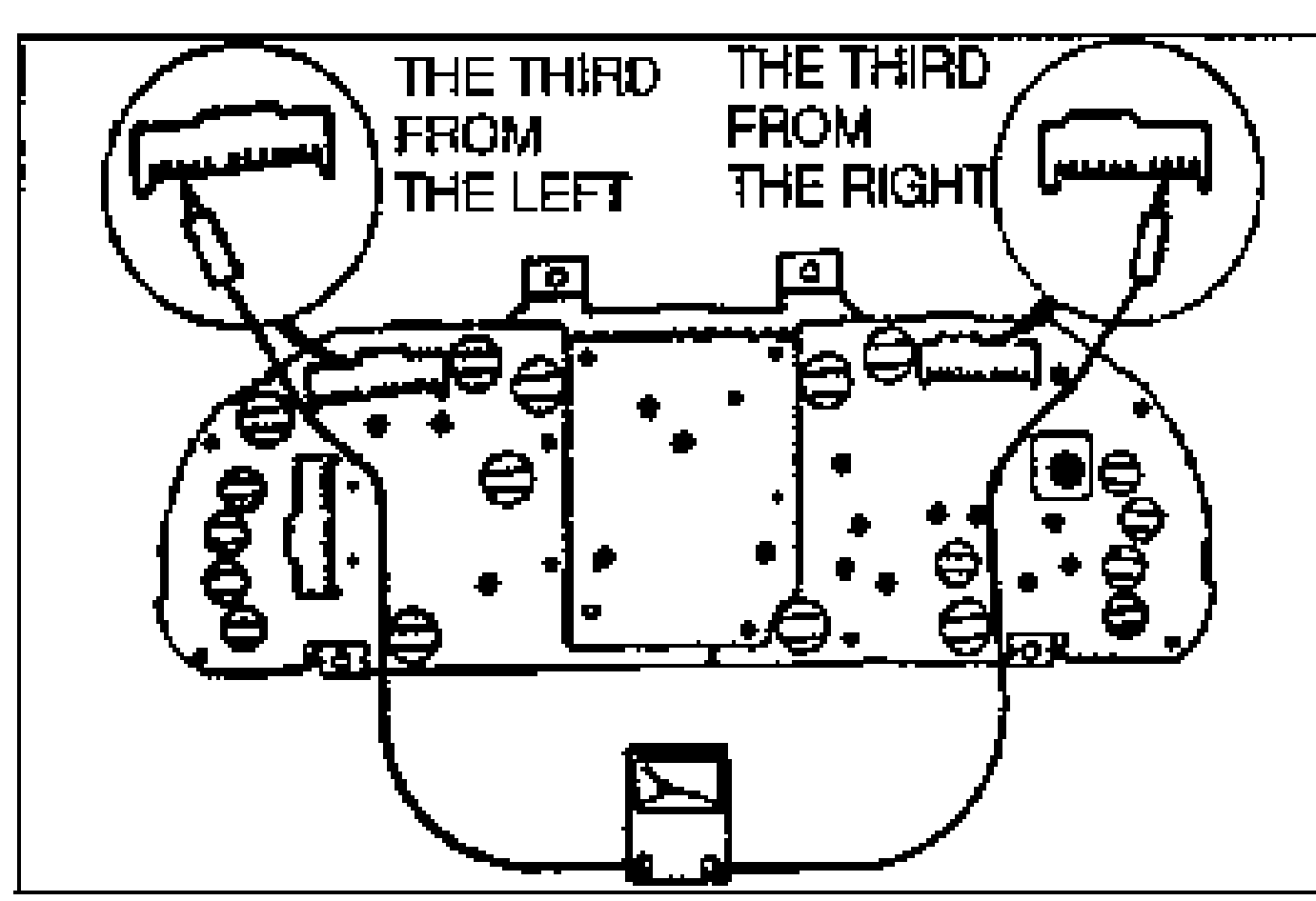
- 2Remove the warning light bulb from the rear of the cluster.
- 3Check the condition of the bulb.
- 4Replace the bulb if necessary.